Product catalog management is the system for organising and maintaining ecommerce product data—SKUs, variants, attributes, categories, and product feeds—so listings stay accurate across your store and channels.
It prevents errors like duplicate SKUs, inconsistent attributes, broken variants, and risky CSV imports.
This guide shows how to structure your catalogue and scale bulk product uploads without chaos.
Message Lucidly on WhatsApp for a quick catalog management review—SKUs, variants, attributes, and CSV imports.
What Product Catalogue Management Actually Means
Product catalog management is the operational system behind your catalogue: how products are created, organised, enriched, updated, and distributed across channels.
It’s bigger than “adding products to the website.” Done well, catalog management reduces errors, speeds up merchandising, improves reporting, and keeps your ecommerce inventory data aligned with reality.
In practical terms, product catalog management includes:
Your category structure (taxonomy).
Your attribute standards (specs, options, units).
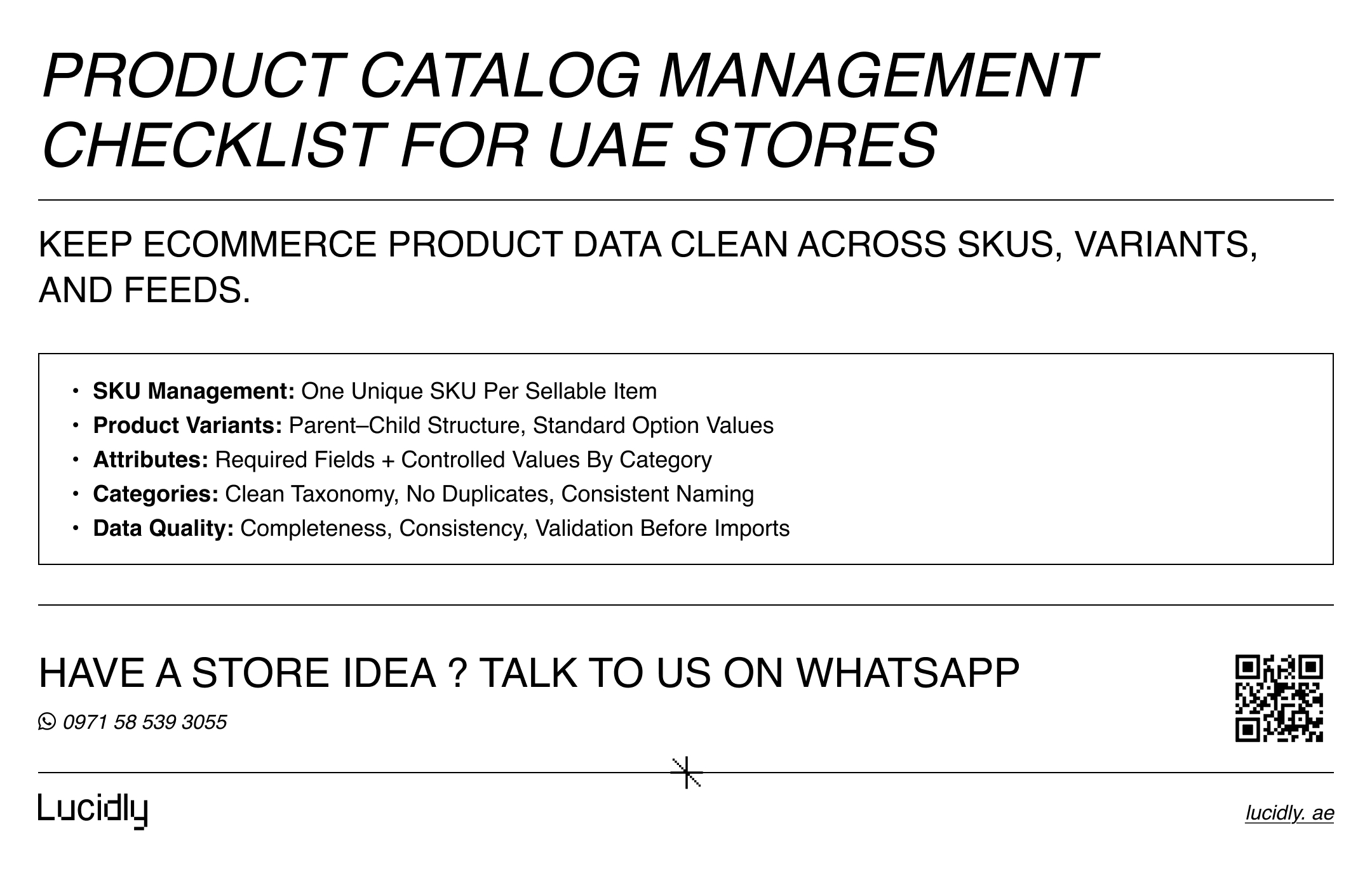
SKU management rules and governance.
Variant modelling (parent–child products).
Bulk updates via CSV imports or platform tools.
Channel readiness for marketplaces and ads via product feeds.
Data quality checks and ownership.
When teams skip the system, the catalogue becomes a patchwork of quick fixes. In the UAE, where fast iteration and seasonal pushes are common, that’s when catalogues break.
If you’re building the full store from the ground up, our Ecommerce Website Development in the UAE guide covers the broader foundation behind a store that sells.
Product Data Model for Ecommerce Catalog Management
Before you touch bulk imports, you need a stable data model. This is where product catalog management becomes predictable instead of reactive.
Categories First How to Build a Clean Catalogue Taxonomy
Categories are not decoration—they control navigation, filters, reporting, and feeds. A strong category tree is:
Shallow enough for users to browse quickly.
Specific enough to match purchase intent.
Consistent in naming (no duplicates like “Shoes” and “Footwear” unless you have a reason).
Practical rules:
Keep depth sensible (usually 2–3 levels is enough for most stores).
Use clear naming conventions (singular vs plural—pick one and standardise).
Avoid creating categories to “solve” one product exception. Fix the product data, not the tree.
If you want a more detailed guide to site architecture, filter control, canonical strategy, and schema markup, see Ecommerce SEO for UAE Stores.
Attributes Standards Required vs Optional Fields
Attributes are the language of your catalogue. They power filters, variant options, feeds, and search. For catalog management, treat attributes as a controlled system:
Required attributes: must exist for every product in the category (e.g., brand, material, size, colour, dimensions).
Optional attributes: nice-to-have but not critical.
Controlled values: dropdown lists beat free text (e.g., “Navy” vs “Dark Blue” vs “Blue/Navy”).
Units and formats: standardise units (cm vs mm), decimals, and date formats.
If you want clean ecommerce product data, attribute governance is non-negotiable.
Data Quality Rules Completeness Consistency Validation
Build data quality into the workflow—not as a one-off cleanup. A minimum checklist for product catalog management:
Completeness: required fields filled.
Accuracy: specs match the actual product.
Consistency: naming, units, and values follow standards.
Uniqueness: no duplicate SKUs or duplicate products under different names.
Validation: formats, ranges, and required fields enforced before import.
For a detailed guide on must-have ecommerce pages, features, and integrations, check out our Ecommerce Website Features Checklist.
SKU Management That Scales
A SKU is your internal identifier for tracking products across systems. Strong SKU management prevents duplicates, makes reporting reliable, and keeps stock workflows clean.
SKU Structure Best Practices Naming Rules and Uniqueness
A SKU system should be:
Unique.
Stable (doesn’t change unless the product identity changes).
Meaningful enough for ops (but not overloaded with fragile meaning).
A practical SKU template:
Brand or supplier prefix.
Category or product type token.
Variant token (size/colour).
Sequential or unique code.
Also clarify what a SKU is not:
A barcode/GTIN (those can exist separately).
A product title.
A flexible field for random notes.
In UAE operations, SKUs often need to support:
Multiple stock locations.
Bundles/kits.
Supplier lead times and reorder rules.
That’s why product catalog management must align with your inventory and fulfilment process.
SKU Governance Who Creates Edits and Retires SKUs
Rules stop SKU chaos:
One owner (or team) responsible for SKU creation.
Clear approval steps for new SKUs.
A policy for discontinued SKUs (don’t recycle).
Change logs for key edits.
If you don’t govern SKUs, every bulk upload becomes a risk.
Product Variants Setup Parent Child Model
Variants are where catalogues either scale cleanly—or collapse into duplication. The best catalog management uses a parent–child structure with consistent attribute values.
How to Organise SKUs and Variants Without Duplicate Listings
Parent product: shared title, description, media, and general attributes
Variants: option-level differences (size, colour, material, pack size)
This structure keeps your catalogue organised and avoids creating multiple “separate products” for what is essentially one item.
When to Split Variants Into Separate Products
Keep variants under one product when:
The difference is mainly a selectable option (size/colour).
The core product identity is the same.
The user expects one product page.
Split into separate products when:
The product is meaningfully different (different model line or edition).
Pricing is fundamentally different (not just small variant price differences).
Supply chain is different enough to require distinct stock rules.
The variation has distinct merchandising and positioning.
This decision is operational, not philosophical. The goal is consistent ecommerce product data that matches how customers shop.
Variant Attribute Consistency Size Color Material Standards
Variant chaos usually comes from messy values:
“Navy” vs “Dark Blue” vs “Blue - Navy”.
“Large” vs “L” vs “LARGE”.
“1kg” vs “1000 g” without standardisation.
Fix it with:
Controlled vocabularies.
Standard value lists per attribute.
A rule that variants must use existing values (not create new spellings).
Product Information Management for Multi-Channel UAE Stores
As your catalogue grows, you may need product information management to keep everything consistent across channels. A PIM is a system designed to manage product data centrally, then push it to your store and external channels.
When You Need a PIM
Consider a PIM when you have:
Thousands of SKUs.
Multiple channels (store + marketplaces + social + ads).
Frequent updates (prices, specs, availability).
Multiple teams editing data.
Repeated feed errors or inconsistent listings.
A PIM doesn’t replace your ecommerce platform—it complements it by becoming the “single source of truth” for product catalog management.
Single Source of Truth Workflow
A clean workflow looks like:
PIM (master data) → ecommerce store → marketplaces → ads/catalogs → analytics reporting
Define ownership by field:
Titles, descriptions, attributes: merchandising/content team.
Price rules: commercial team..
Stock and availability: ops/inventory team.
Media standards: creative team.
This alignment prevents the most common catalog management problem: multiple teams overwriting each other.
Bulk Product Upload Workflow CSV Imports
Bulk product upload is powerful, but it’s also where most catalogue disasters happen. The fix is a repeatable import process with validation and QA.
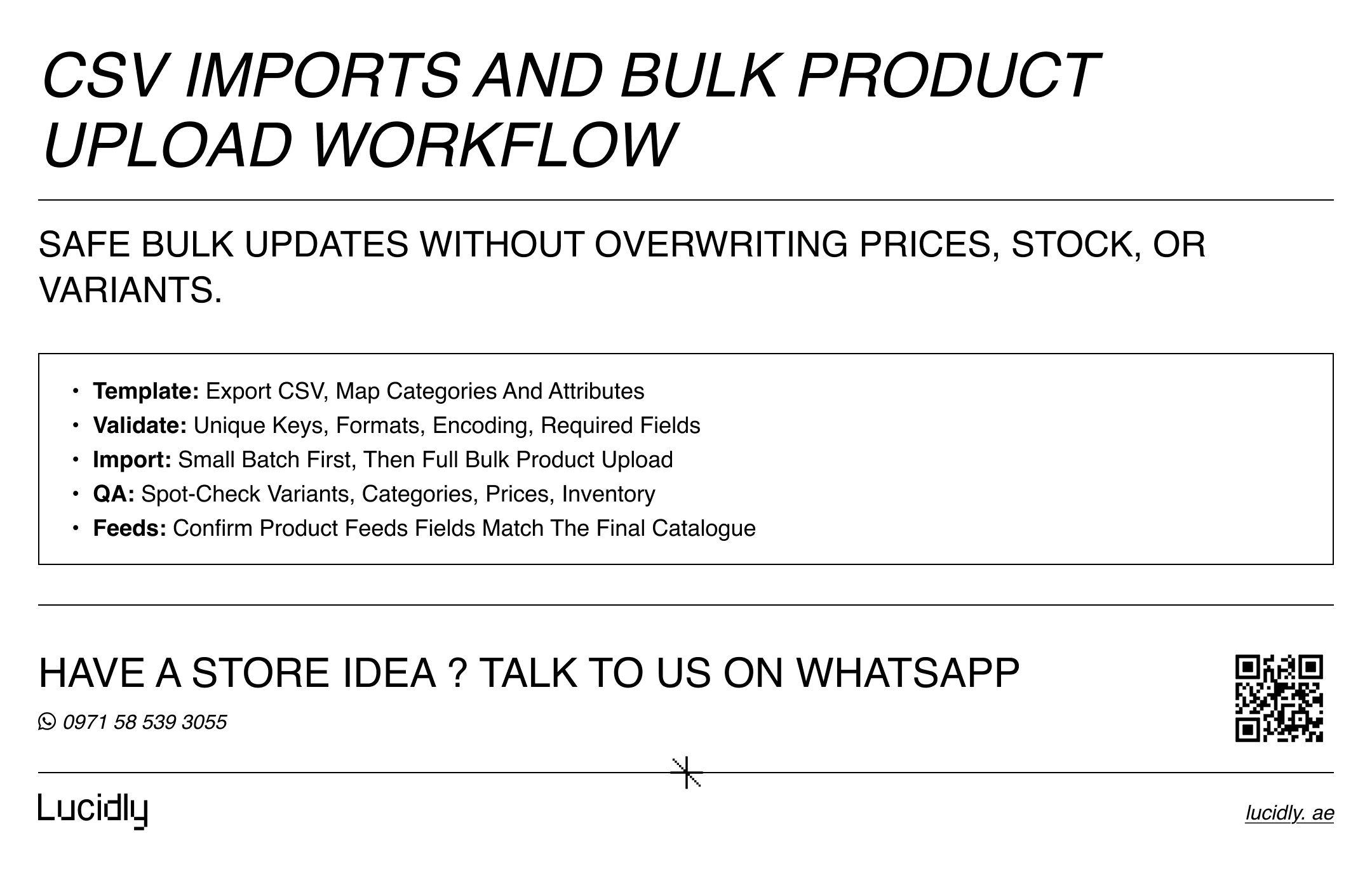
How Bulk Imports Work Template Mapping Validation QA
The safe model is:
Export a template (or standard CSV).
Map fields (categories, attributes, variant relationships).
Validate data quality (formats, required fields, duplicates).
Import to staging (or low-risk batch).
QA the result (spot-check + reporting checks).
Roll out to production.
This is catalog management as an operational discipline—not a gamble.
CSV Imports Checklist
Before you run CSV imports, confirm:
Unique keys: SKU, handle, or product ID (whatever your platform requires).
Correct category mapping (no broken category names).
Attribute columns match your standards (exact naming).
Variant structure is correct (parent row + variant rows or linked identifiers).
Encoding and separators are correct (to avoid broken Arabic/English characters).
Price/stock fields won’t overwrite unintentionally.
Bulk Upload Pitfalls to Avoid
Common breakpoints:
Duplicate SKUs created during upload.
Variants imported as separate products (or not linked correctly).
New attribute values invented by typos.
Category names mismatching due to whitespace/case differences.
Price or stock overwritten without an audit trail.
Your best protection is to treat bulk imports as a controlled release, not a one-click task.
For a performance-first product catalog management setup, explore Lucidly’s Ecommerce Solutions in the UAE to standardise SKUs, clean up variants and attributes, and run safe CSV imports.
How to Keep Product Data Consistent Over Time
Catalogue consistency isn’t a project. It’s a cadence. In product catalog management, quality decays unless you maintain it.
Data Governance Rules Ownership Standards Change Control
Set rules your team can follow:
Naming conventions for titles, brands, and attributes.
Controlled vocabularies for key attributes.
Unit and format standards.
Field ownership (who edits what).
Approval steps for new categories/attributes.
Weekly QA Checks Missing Attributes Duplicate SKUs Inconsistent Variants
Run routine checks:
Missing required attributes by category.
Duplicate SKU detection.
Variant value inconsistencies.
Broken category assignments.
Price anomalies after imports.
Even simple weekly reporting reduces issues dramatically.
Ecommerce Inventory Data Alignment ERP WMS Sync Basics
Keep ecommerce inventory data aligned with your actual system:
Sync rules (how often, and which system is the source).
Handling out-of-stock, preorders, and backorders consistently.
Rules for discontinued products (hide, redirect, archive).
This is where product data meets operations—and where many stores lose trust if it’s wrong.
Product Feeds for Channels and Marketplaces
Your catalogue is only “done” when it’s feed-ready. Product feeds power marketplaces, Google Merchant surfaces, and paid social catalogs. Feed quality depends on the same foundation: categories, attributes, and stable identifiers.
Feed readiness basics:
Required fields complete (IDs, pricing, availability, GTIN/brand where needed).
Category taxonomy aligned to channel requirements.
Attribute normalisation (consistent sizes, colours, materials).
Image standards enforced.
Good product catalog management reduces feed disapprovals and improves product matching across channels.
Practical Implementation Plan
If you want a clean reset without wasting months, use this sequence:
Week 1: Define categories, attribute standards, and SKU rules.
Week 2: Clean the existing catalogue (duplicates, missing attributes, variant fixes).
Week 3: Set the bulk import workflow (templates, validations, QA steps).
Week 4: Stabilise product feeds and lock governance (ownership + cadence).
This plan keeps the work practical, measurable, and aligned to growth.
FAQ
What is product catalogue management?
Product catalog management is the system for creating, organising, enriching, updating, and distributing product data across your ecommerce store and channels. It covers categories, attributes, SKU management, variants, bulk uploads, data quality, and product feeds.
How do I organise SKUs and variants?
Start with SKU management rules (unique, stable, governed), then use a parent–child model for product variants. Standardise variant values (sizes/colours) with controlled lists so you don’t create duplicates and inconsistencies.
How do bulk imports work?
Bulk imports usually follow a template workflow: map fields, validate formats, run CSV imports in controlled batches, then QA the outcome. A safe bulk product upload process includes error logs and rollback thinking.
How do I keep product data consistent?
Consistency comes from governance: attribute standards, field ownership, validation rules, and routine audits. When your ecommerce product data and ecommerce inventory data follow the same rules, updates become reliable and scalable.
Strong product catalog management keeps your store fast, accurate, and scalable. With clear categories, controlled attributes, consistent SKU and variant rules, and safe CSV imports, your team reduces errors and updates products confidently.
Add governance and regular data quality checks, and your catalogue stays channel-ready for product feeds, marketplaces, and ads—without constant rework or surprises.
Ready to streamline product catalog management and stop costly data errors? Message Lucidly on WhatsApp—or use the numbers on our Contact Us page to book a quick catalogue review.
References
Google Merchant Center Help — Product data specification (product feeds, required attributes, formatting) (Google Help)
WooCommerce Documentation — Product CSV Importer and Exporter (CSV imports for products, attributes, categories, variations) (WooCommerce)
GS1 — GTIN Management Standard overview (global product identification rules) (GS1)
GS1 US — An Introduction to the GTIN PDF (what GTIN is and why it matters in supply chains/feeds) (documents.gs1us.org)