How search engines work is simpler than it sounds: they first discover pages by crawling the web with bots, then store and organize what they find through indexing, and finally decide which pages to show (and in what order) using algorithms and ranking signals.
If any step breaks—blocked crawling, weak indexing signals, or poor relevance—your page may never reach the search results pages.
In this guide, you’ll see the full journey from URL discovery to ranking, plus the fastest fixes when visibility drops.
Want Lucidly to improve your visibility on Google? Message us on WhatsApp for a free website evaluation and clear next steps based on what we find.
How Google Search Works (The Simple 3-Step Process)
At a high level, how Google Search works follows a simple flow: it crawls the web to discover URLs, indexes the pages it understands and chooses to store, then applies a search engine algorithm to match queries with the most relevant results.
Those decisions rely on many ranking signals—often called search engine ranking factors—such as topical relevance, content usefulness, and authority.
When everything aligns, your page earns a place on the search results pages; when it doesn’t, it may be delayed, ignored, or outranked.
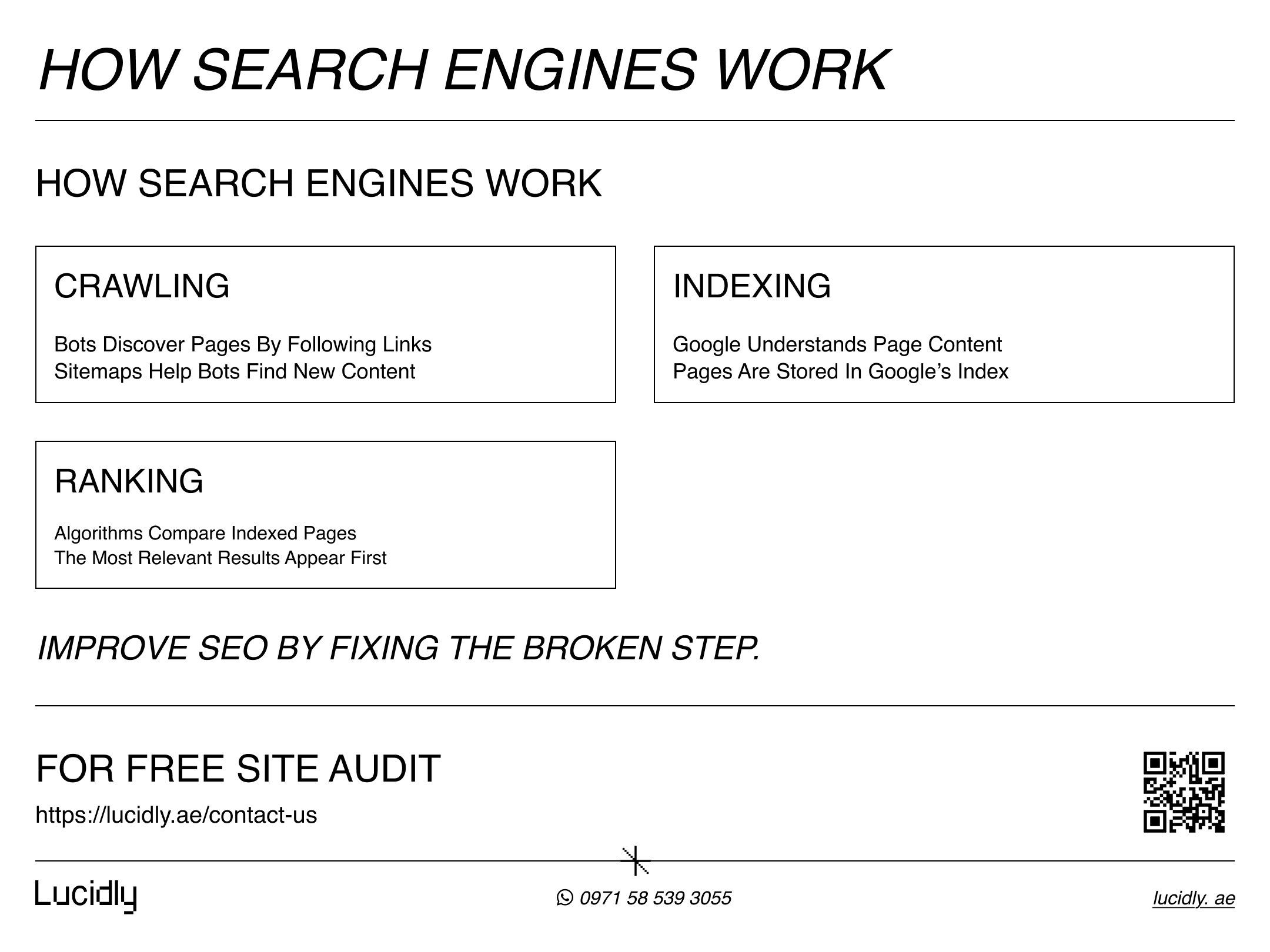
The 3 Core Stages: Crawling, Indexing, and Ranking
To understand how search engines work, think of it as a pipeline.
Crawling is when search engine bots explore the web and fetch pages by following links.
Indexing is when the engine processes what it found, extracts meaning, and decides whether to store the page in its database.
Ranking happens when someone searches: the search engine algorithm compares indexed pages and uses ranking signals to decide which results appear first.
Your visibility depends on all three—so improving SEO often starts by identifying which stage is breaking.
Step 1 — Crawling: How Search Engine Bots Discover URLs
Crawling is the discovery phase. Search engine bots (sometimes called spiders) move from page to page by following links, collecting URLs and fetching content to understand what each page is about. In practice, search engines discover pages through:
Internal links (the fastest and most reliable path)
External links from other websites
XML sitemaps that suggest important or newly updated URLs
Redirects that lead bots to the correct version of a page
If crawling is blocked—by robots.txt rules, login walls, or server errors—the rest of the SEO process can’t even begin.
Crawling vs. Rendering — Why JavaScript Can Hide Your Content
Crawling doesn’t always mean Google can “see” everything on the page. If key text, links, or products load only after JavaScript runs, the search engine may need to render the page to access that content.
When rendering fails—or takes too long—Google might index an incomplete version, miss internal links, or delay discovery of deeper pages.
To reduce risk, make sure your most important content and navigation are available quickly, and avoid hiding critical information behind heavy scripts, infinite scroll, or user-only interactions.
Common Crawling Problems (and Quick Fixes)
Even when your content is great, crawling can fail for technical reasons. The most common issues include:
Blocked Paths in robots.txt
If important folders (like /blog/, /products/, or key parameter URLs) are blocked, search engine bots simply won’t fetch those pages—so they can’t be indexed or ranked.
Fix: Review robots.txt, unblock critical sections, and keep blocks only for true crawl traps (filters, internal search, endless parameters).
Login Gates or Paywalls
When content requires a login or is hidden behind scripts that only load for users, bots may see an empty or limited version of the page. That often leads to poor indexing—or none at all.
Fix: Make public pages crawlable, use preview/teaser content where appropriate, and ensure key metadata (title, headings, canonicals) is accessible.
Server Errors (5xx) and Timeouts
Frequent 500-level errors or slow server responses can cause bots to back off. If Googlebot hits too many failures, it may reduce crawl frequency and delay discovery of new pages.
Fix: Monitor uptime, fix backend issues, reduce error spikes, and improve hosting/performance to keep responses stable.
Slow Pages That Waste Crawl Resources
Even without errors, very slow pages can limit how many URLs bots can fetch efficiently, especially on larger sites. This delays crawling and can slow down updates being reflected in search.
Fix: Improve Core performance basics (TTFB, caching, image optimization), and remove heavy scripts from critical paths.
Broken Links (4xx) and Messy Redirect Chains
Broken internal links lead bots to dead ends, while long redirect chains dilute signals and waste crawl time. Both can prevent bots from reaching the final, correct URL smoothly.
Fix: Repair internal links, replace 404s with correct targets, keep redirects to a single hop when possible, and avoid redirect loops.
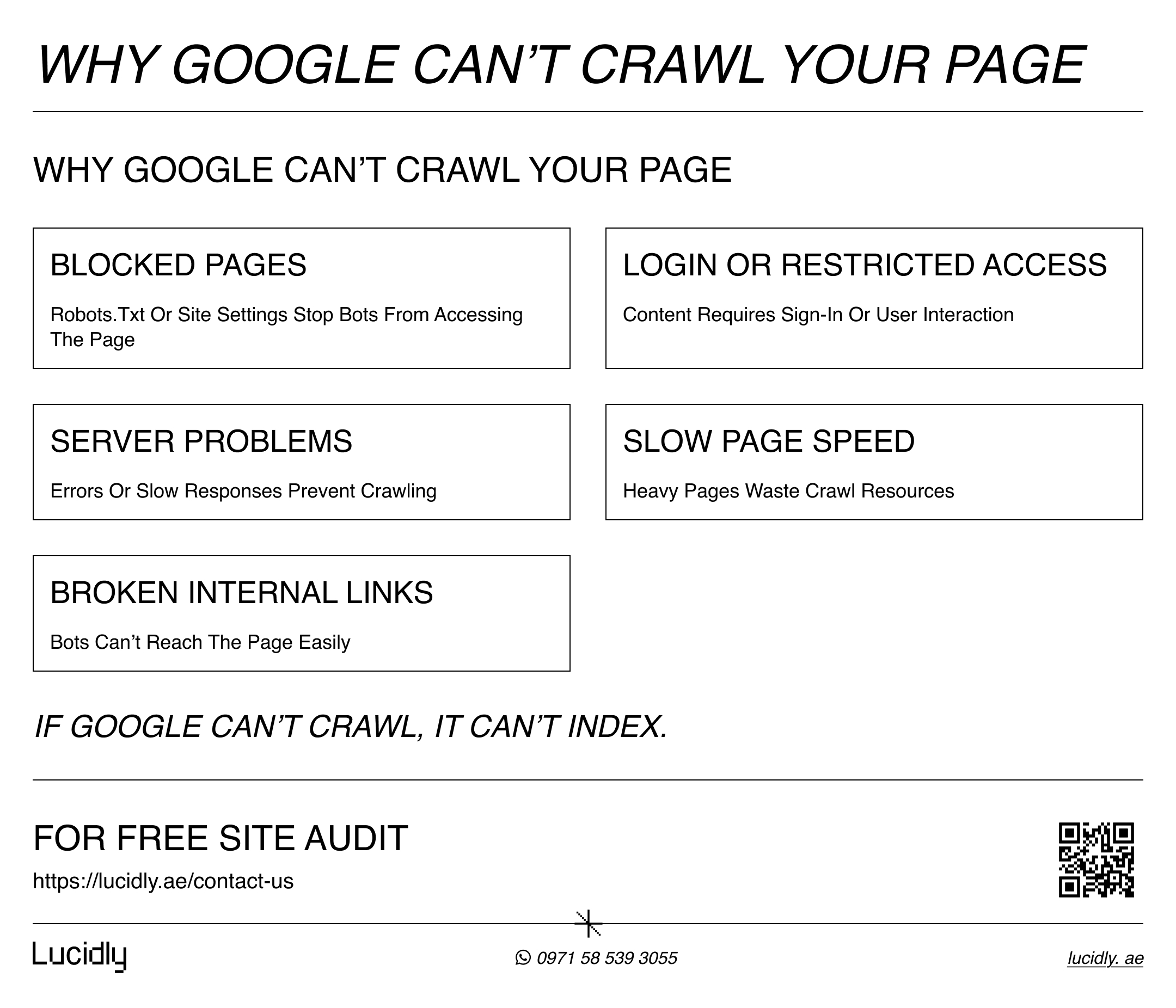
Fixing these basics—access, speed, and clean link paths—often results in faster discovery and fewer “not crawled” surprises.
learn more with: Technical SEO Made Simple: The Foundations of a Healthy Website.
Want help implementing this checklist across your key pages? request support on our Professional SEO company.
Step 2 — Indexing: How Search Engines Store and Understand Pages
According to Google’s Search Central guidance, not every crawled page is guaranteed to be indexed—indexing depends on whether Google can understand and store the content.
After crawling, the next question is whether the page gets added to the index.
Indexing is the process where a search engine analyzes what it fetched, understands the topic, and decides if the page is worth storing in its database for future searches.
This is why “crawled” does not always mean “indexed.” During Google indexing, the system may also group similar pages together, pick a preferred version to show, and ignore duplicates or low-value URLs.
If indexing fails, the page won’t appear on search results pages—no matter how good your content is.
What Search Engines Look At During Indexing
When a page is eligible for indexing, search engines extract signals to understand its content and context. They typically evaluate:
Page topic and intent (what the page is really about)
Main content quality (depth, clarity, originality)
Titles and headings (how the page is structured)
Internal links (how this page connects to the rest of the site)
Duplicate patterns (whether the page is too similar to another URL)
If these signals are weak—thin content, confusing structure, or heavy duplication—the page may be indexed slowly, grouped under another URL, or skipped entirely.
learn more about: on-page seo Basics, How to Optimise Your Pages for Users and Search Engines.
Canonical URLs (Simple Explanation)
Sometimes the same page can be reached through different URLs—like tracking links, filters, or parameter variations.
When Google sees multiple URLs with near-identical content, it may choose one version to index and show in search.
A canonical URL tells Google which version is the main one, so your signals don’t get split across duplicates and the right page appears in search results.
Noindex & Other Indexing Blockers (Why Google Skips a Page)
Even if Google can crawl a page, it may still decide not to index it—or you might be blocking indexing without realizing it. The most common blockers include:
A noindex directive added by mistake
Incorrect canonical signals pointing to a different page
Duplicate or near-duplicate content across multiple URLs
Thin content that doesn’t add real value
“Soft 404” patterns (a page that looks like an error or empty state)
Restricted access (login walls or blocked resources)
In simple terms: crawling means “Google visited,” indexing means “Google saved it.” If your page isn’t being saved, check these items first.
Step 3 — Ranking: How Google Ranks Websites in Search Results
Once pages are indexed, ranking is about selection. When someone searches, Google evaluates many indexed pages and uses a search engine algorithm to decide which results best match the query.
These decisions depend on search engine ranking factors (ranking signals) such as relevance to the search intent, content usefulness, and trust signals like authority.
That’s why two pages about the same topic can perform very differently: the page that answers the query more clearly, more completely, and more credibly is more likely to earn higher placement on the search results pages.
to get better results, learn how to do Keyword Research with our guide.
Search Engine Ranking Factors (The Signals That Matter Most)
People often ask “what are ranking factors in SEO?” The truth is, ranking is not one magic metric—it’s a mix of signals. In most cases, the biggest ranking signals fall into these buckets:
Relevance: how closely your page matches the query and intent
Content usefulness: depth, clarity, originality, and whether it solves the problem
Authority & trust: links/mentions and overall credibility in the topic
User experience: fast, readable pages that work well on mobile
Context: location, language, freshness, and what the user actually needs right now
If you improve the first two—relevance and usefulness—you usually see gains even before you build authority.
Why an Indexed Page Still Might Not Rank
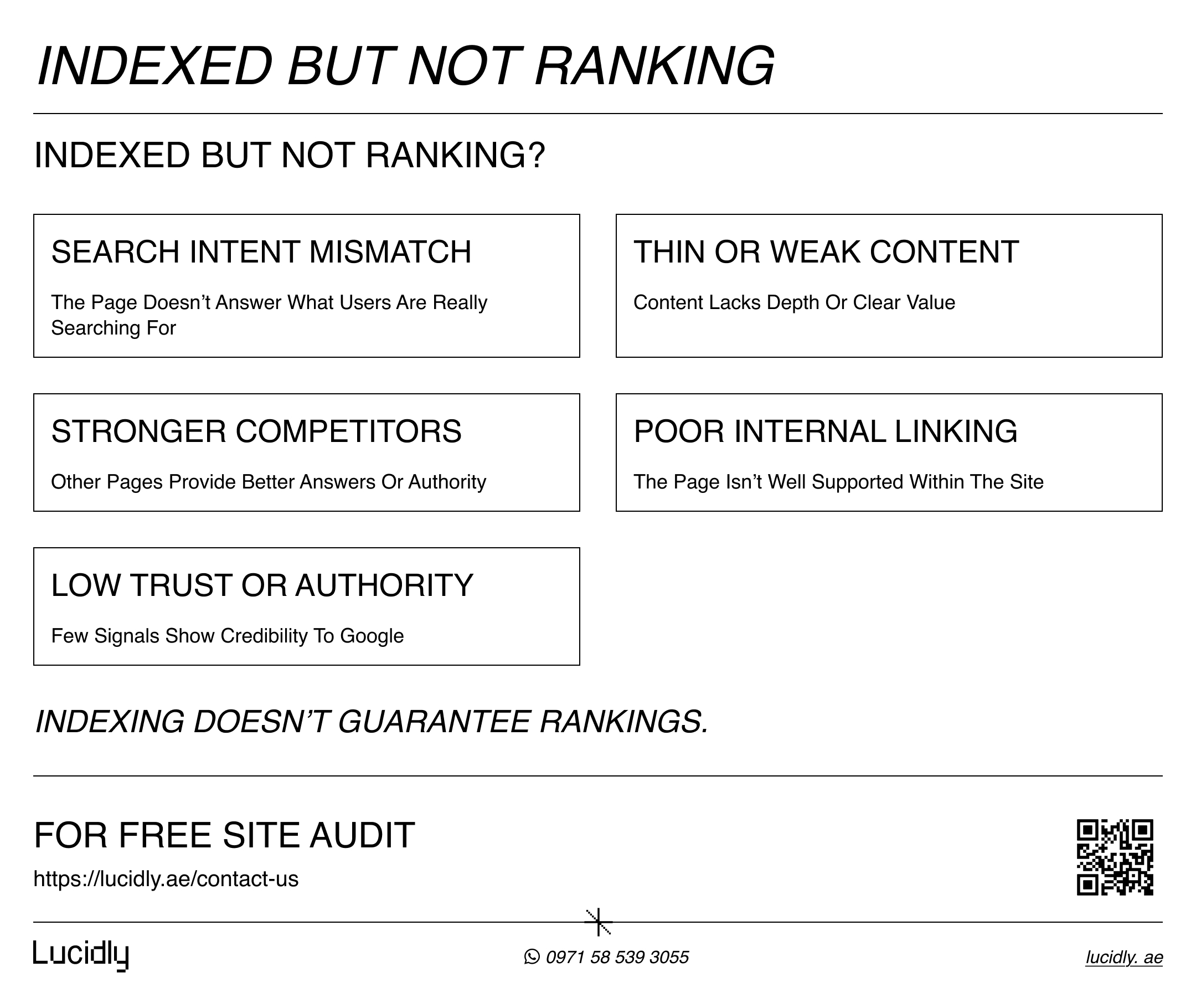
Getting indexed is a milestone, but it doesn’t guarantee visibility. An indexed page can still stay buried if it doesn’t match search intent, offers thin or repetitive content, or lacks authority compared to competing pages.
Sometimes the issue is internal: the page is isolated with few internal links, or it targets a keyword that your site hasn’t built topical strength around yet.
The fix usually isn’t “more SEO tricks”—it’s improving the page’s relevance and usefulness, strengthening internal linking, and making the topic coverage clearly better than what already ranks.
Search Results Pages (SERPs) — What You See vs. What Google Stores
Even when your page is indexed, what shows up on search results pages depends on the query and the type of result Google thinks will help most. Sometimes the “blue link” isn’t the only option—Google may surface other formats first, such as:
Featured snippets and “People also ask”
Local results (maps)
Videos, images, or shopping-style results
Sitelinks under strong brand pages
So if you don’t appear, it doesn’t always mean there’s a technical problem—it may simply mean your page isn’t the best match for that SERP layout yet. The goal is to align your content format and intent with what Google is already rewarding for the query.
Troubleshooting Guide — Why Your Page Isn’t Showing Up
If your page isn’t appearing in Google, don’t guess—identify where the process is breaking. Use this quick decision tree to pinpoint the issue and fix the right thing first:
If it’s NOT crawled: the page may be hard to discover (weak internal links), blocked, or the server is struggling.
If it’s crawled but NOT indexed: Google may see duplication, low value, or an indexing blocker like noindex/canonical issues.
If it’s indexed but NOT ranking: the page usually lacks intent match, depth, authority, or internal support compared to what already ranks.
The faster you diagnose the stage (crawling vs indexing vs ranking), the faster you’ll restore visibility.
2026 Action Plan — What to Improve First for Better Visibility
Now that you understand how search engines work, the next step is turning that knowledge into action. Instead of chasing “SEO hacks,” focus on improvements that help at every stage—crawling, indexing, and ranking:
Crawling: strengthen internal linking, keep navigation clear, and remove crawl blockers
Indexing: avoid duplicate URLs, use a clear canonical strategy, and publish genuinely useful content
Ranking: match search intent, improve topic coverage, and earn trust through authority signals
Measurement: track indexing and performance changes in Search Console, and iterate based on real queries
When you fix the basics in the right order, results become more predictable—and growth becomes repeatable.
FAQ
What are the main steps of how search engines work?
Search engines follow three core stages: crawling (discovering pages), indexing (storing and understanding them), and ranking/serving (choosing which indexed pages to show for a query and in what order).
How does Google decide which pages to show?
Google looks at many indexed pages and uses its search engine algorithm to match the query with the most relevant and useful results, using multiple ranking signals like intent match, content quality, and authority.
What is crawling and indexing?
Crawling is when bots discover and fetch pages by following links. Indexing is when the search engine processes that content and decides whether to store the page in its index so it can appear in search results.
What are ranking factors in SEO?
Ranking factors (ranking signals) are the indicators search engines use to order results—commonly including relevance, usefulness, authority/trust signals, user experience, and context (like location, language, and freshness).
Conclusion
Now you know how search engines work: they crawl the web to discover pages, index the content they understand, and use algorithms and ranking signals to decide what appears on search results pages.
If your visibility drops, don’t panic—diagnose the stage that’s failing and fix the fundamentals first.
Contact us to get a free website evaluation—message Lucidly on WhatsApp and we’ll highlight what’s holding you back.
References
Google Search Central — How Google Search Works (Crawling, Indexing & Ranking): https://developers.google.com/search/docs/fundamentals/how-search-works Google for Developers Google for Developers
Microsoft Bing — Bing Webmaster Guidelines: https://www.bing.com/webmasters/help/webmasters-guidelines-30fba23a Microsoft Bing bing.com
Ahrefs — How Do Search Engines Work? (Beginner’s Guide): https://ahrefs.com/blog/how-do-search-engines-work/ Ahrefs Ahrefs
HowStuffWorks — How Do Search Engines Work?: https://computer.howstuffworks.com/internet/basics/how-do-search-engines-work.htm HowStuffWorks HowStuffWorks
Wikipedia — Web Crawler (Spider/Spiderbot): https://en.wikipedia.org/wiki/Web_crawler Wikipedia Wikipedia